
 A busy week can become difficult to manage when work, household responsibilities, personal projects, appointments, and small errands all compete for attention. Even when every individual task seems manageable, keeping track of everything at the same time can be tiring. ChatGPT can be used as a practical planning assistant to help organize information, group tasks, create checklists, and develop a simple weekly structure based on the details you provide.
For people who are still learning how to use artificial intelligence, weekly planning is a straightforward place to begin. You do not need specialized knowledge or complicated instructions. You can simply describe the commitments and tasks you already have and ask ChatGPT to help arrange them into a clearer overview. The resulting plan should be treated as a draft that you can review and change rather than a schedule that must be followed exactly.
Start by Listing Everything
Before creating a weekly plan, it can be useful to put all of your known responsibilities in one place. This might include work tasks, appointments, household activities, personal projects, errands, and other commitments.
You can provide this information to ChatGPT and ask it to organize the list into categories. Separating fixed commitments from flexible tasks can make the week easier to understand. Fixed events have a specific time or date, while flexible activities can usually be moved around.
Once the information is organized, you can review it yourself and decide which items are genuinely important.
Separate Important Tasks From Optional Ones
Not everything on a weekly to-do list has the same level of importance. Some tasks have deadlines, while others can wait without creating a problem.
ChatGPT can help you create a suggested priority structure. You might ask it to group tasks into categories such as urgent, important, flexible, and optional. This can provide a different perspective on a long list.
However, the AI does not automatically understand the real consequences of every task. A responsibility that looks minor in writing could be very important in your actual situation. Always review the suggested priorities and make the final decision yourself.
Create a Realistic Weekly Schedule
Once you know what needs to be done, you can ask ChatGPT to create a sample weekly schedule. Include the information that matters, such as fixed appointments, available working hours, personal commitments, and important deadlines.
A useful schedule should leave some room for unexpected events. Trying to fill every hour with tasks can make a plan difficult to maintain. It can be better to leave open periods for adjustments, breaks, or activities that take longer than expected.
Use ChatGPT to Organize Recurring Tasks
Many weekly responsibilities repeat regularly. Cleaning, shopping, reviewing documents, preparing meals, organizing finances, or planning upcoming activities can all become easier to remember when they are included in a recurring checklist.
You can ask ChatGPT to organize recurring tasks into a weekly structure. Once you have a basic framework, you can modify it whenever your routine changes.
This can be particularly helpful for people who find themselves repeatedly recreating the same lists. A reusable structure can save time and reduce the effort involved in remembering every small task.
Plan Around Your Busiest Days
Every week has different demands. Some days may be packed with appointments, while other days provide more flexibility. When creating a weekly plan, it can be useful to tell ChatGPT which days are already busy.
The AI can then suggest placing lighter or shorter tasks on those days while leaving larger activities for periods with more available time. You can review the proposed arrangement and make adjustments based on your actual energy and responsibilities.
Break Large Tasks Into Smaller Actions
A weekly plan can become more manageable when large projects are divided into smaller steps. Instead of writing “finish project” as one huge task, you might break it into research, outline, first draft, review, and final preparation.
ChatGPT can help brainstorm possible steps for a project when you explain what you are trying to accomplish. The exact structure will depend on the project, but the process can make an unclear task easier to approach.
You should still verify that the suggested steps make sense for your specific project. AI-generated plans can contain assumptions that do not apply to your situation.
Create a Weekly Meal Plan
Food planning can take up more mental space than many people realize. Deciding what to prepare each day and remembering what needs to be purchased can add another layer of organization to an already busy week.
ChatGPT can help generate meal ideas and organize them into a simple weekly plan. You can mention your general preferences, available ingredients, cooking time, and number of people involved.
After choosing the meals, you can ask the AI to help organize a grocery list. Always review the result before shopping and check ingredients carefully, especially when allergies or specific dietary requirements are involved.
Prepare for the Next Week
Weekly planning does not have to happen on Monday morning. Some people may find it easier to prepare a basic plan toward the end of the previous week.
You can provide ChatGPT with upcoming appointments, deadlines, errands, and personal goals and ask it to create a preliminary overview. Having this information organized before the week begins can make it easier to see what is coming.
The plan can remain flexible. New responsibilities may appear, appointments can change, and priorities can shift. A good planning system should be easy to modify rather than requiring you to start over every time something changes.
Use AI to Brainstorm What You Might Have Forgotten
Another interesting use for ChatGPT is asking it to identify categories of tasks that people commonly forget when preparing for a busy period. You can explain your situation and ask for a checklist of things worth considering.
This does not mean the AI will know exactly what you have forgotten. Instead, it can provide additional possibilities that you can compare with your own list. Sometimes a simple suggestion is enough to remind you of something that was not previously on your radar.
Keep Your Personal Information Limited
When using an online AI assistant, it is sensible to avoid sharing unnecessary sensitive information. Most planning requests can be described without providing private details such as account credentials, financial information, or other information that is not required for the task.
You can usually describe a situation in general terms and still receive useful organizational suggestions. This is a good habit for anyone experimenting with AI tools.
Do Not Let the AI Run Your Schedule
It can be tempting to treat an organized AI-generated schedule as the perfect answer, but a schedule is only useful if it fits your real life. ChatGPT does not automatically know how long a task will actually take you, what unexpected responsibilities might appear, or which personal commitments matter most.
Use the AI-generated plan as a draft. Move tasks around, remove unrealistic activities, add missing responsibilities, and leave enough flexibility for real-world changes.
A Practical Way to Learn ChatGPT
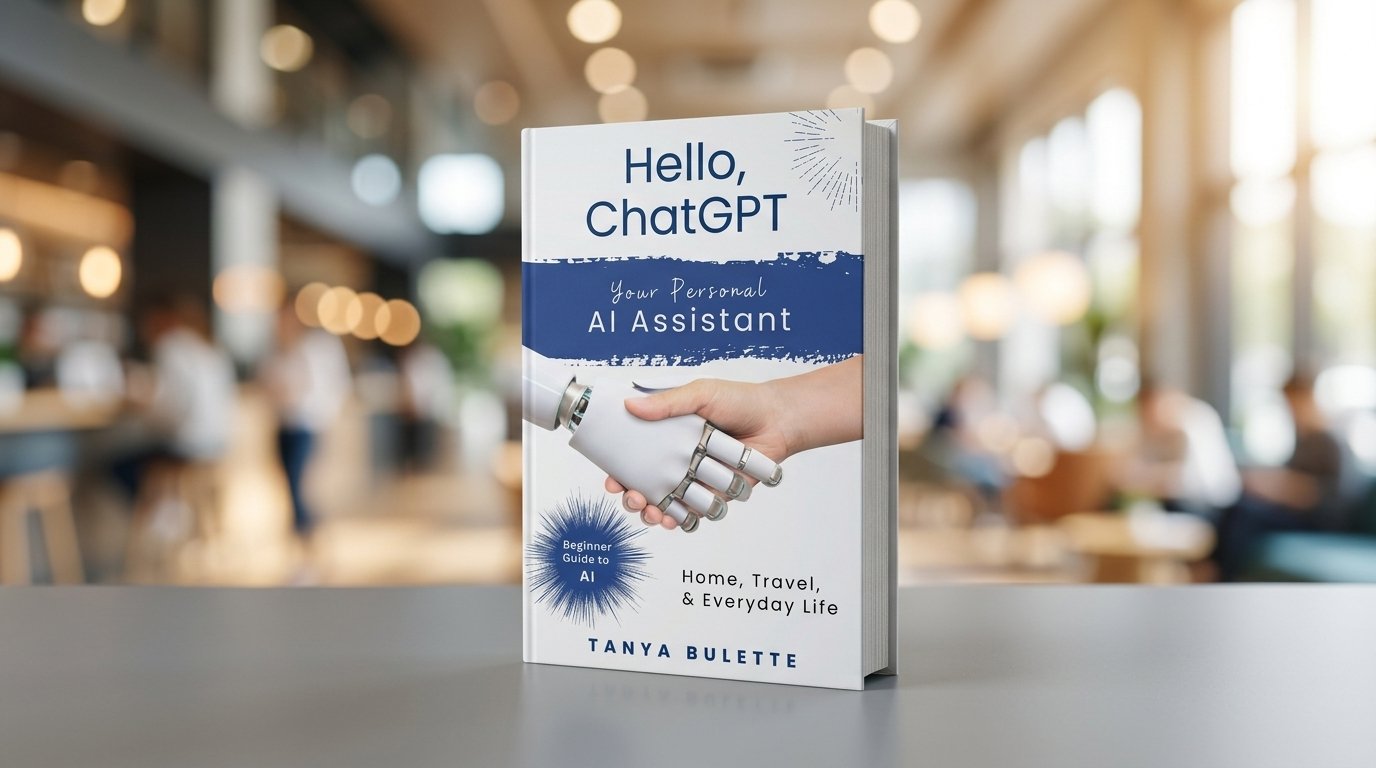
Resources such as Hello, ChatGPT: Your Personal AI Assistant for Home, Travel, and Everyday Life can be useful for readers who want to explore practical applications of conversational AI. Weekly organization is a good example because it involves several basic AI skills at once: describing a problem, providing context, requesting a structured response, and refining the result.
Beginners do not need to memorize complicated prompts. They can start by explaining a real situation in ordinary language and then continue the conversation based on the response. If the first result is not useful, additional context can be provided and the request can be refined.
Final Thoughts
Using ChatGPT for weekly planning can be a practical way to experiment with AI while solving an everyday organizational problem. It can help arrange task lists, separate fixed commitments from flexible activities, create checklists, break large projects into smaller steps, and brainstorm things that may need attention.
The key is to keep the process flexible and maintain human control over the final plan. ChatGPT can organize information and generate ideas, but you know your own responsibilities, priorities, limitations, and preferences better than any AI system.
For beginners, a simple weekly planning exercise can be enough to understand the basic concept. Gather your tasks, explain your schedule, ask for a suggested structure, and then customize the result. With practice, you may discover other everyday situations where conversational AI can help make planning and organization a little easier.
