How to Get Started With ChatGPT: A Practical Guide for Beginners
Artificial intelligence can seem complicated when you are using it for the first time. However, getting started with ChatGPT does not require advanced technical knowledge. The basic idea is simple: you type a question, request, or instruction, and ChatGPT generates a response based on the information and context provided. Learning how to communicate with the tool effectively can make it much more useful for everyday tasks.
What Is ChatGPT and What Can It Do?
ChatGPT is an AI assistant that can interact with users through natural language. It can help with tasks such as brainstorming ideas, organizing information, drafting text, creating lists, explaining concepts, planning activities, and improving written communication.
The usefulness of ChatGPT depends on the task and the quality of the information you provide. It is not necessary to use complicated instructions. A clear explanation of what you want to accomplish is often a good starting point for a productive conversation.
Start With Simple Everyday Tasks
Beginners can learn the basics by using ChatGPT for familiar activities. You might ask it to create a shopping checklist, organize a busy day, suggest ideas for a weekend activity, summarize information you provide, or help structure a personal project.
Starting with simple tasks makes it easier to understand how the AI responds to different instructions. You can gradually experiment with more detailed requests as you become comfortable with the process.
How to Write a Better ChatGPT Prompt
A prompt is the instruction or question you give to ChatGPT. You do not need to use special technical language, but providing enough context can make the response more relevant.
Explain Your Goal Clearly
Instead of asking for something extremely broad, describe what you are trying to achieve. For example, rather than simply requesting “write a plan,” explain what the plan is for, how much time is available, and what result you want.
This gives ChatGPT useful information about the purpose of the request. You can also specify the format you prefer, such as a checklist, table, numbered steps, short explanation, or detailed guide.
Give Context When It Matters
Context can make a significant difference. If you want help organizing a trip, for example, information about the destination, duration, interests, and general schedule can help produce more relevant ideas. For a writing task, you might provide the intended audience and preferred tone.
There is no need to provide information that is unrelated to the task. A good prompt includes enough detail to explain the situation without unnecessarily exposing private information.
Useful ChatGPT Tasks for Beginners
Once you understand the basic interaction, there are many practical ways to experiment with an AI assistant. The best starting point is usually a task where you can easily check the result yourself.
Brainstorming Ideas
ChatGPT can generate multiple ideas when you are unsure where to begin. You can ask for possible topics, project ideas, activities, questions, or approaches to a particular problem. Instead of accepting the first suggestion, ask for additional alternatives and compare them.
Organizing Information
If you have a long collection of notes or tasks, ChatGPT can help arrange the information into categories or a clearer structure. This can be useful for personal projects, household planning, travel preparation, and other everyday activities.
Improving Written Communication
ChatGPT can help revise a draft email, message, description, or other text. You can ask for clearer wording, a more professional tone, or a shorter version while reviewing the final result yourself.
Creating Checklists and Plans
Checklists are another practical starting point. You can describe an activity and ask ChatGPT to identify common steps that might need to be considered. The resulting checklist can then be customized to match your actual situation.
How to Continue a Conversation With ChatGPT
One of the useful features of conversational AI is that you do not always need to create a completely new request. You can follow up on the previous response and ask for changes, additional examples, or a different format.
For example, if the first answer is too detailed, you can ask for a shorter version. If the suggestions are too general, you can provide additional context. If the format is inconvenient, you can request a checklist or numbered structure instead.
Ask for Revisions
Do not assume that the first response must be the final version. Asking ChatGPT to revise an answer is a normal part of using the tool. You can explain what you like, what needs to change, and what information should be added or removed.
Compare Different Approaches
For planning and brainstorming, asking for several approaches can be more useful than requesting a single answer. Comparing alternatives allows you to decide which idea best matches your circumstances.
Important Things Beginners Should Remember
Although ChatGPT can be useful, it should not automatically be treated as an authoritative source for every subject. AI-generated responses can contain mistakes, incomplete information, or outdated details. Important information should be independently checked using appropriate and reliable sources.
Users should also avoid sharing unnecessary sensitive or private information. Before using an AI-generated text for an important purpose, review it carefully and make sure the information is accurate and appropriate for the situation.
Making ChatGPT Part of Your Everyday Routine
The easiest way to learn how to use ChatGPT is through regular, practical experimentation. You can begin with one small task, evaluate the response, and then improve your next prompt based on what you learned.
Over time, you may discover that the tool is useful for different types of everyday activities. It can help organize ideas, prepare lists, explore possibilities, improve drafts, and support planning. The goal is not to let AI make every decision, but to use it as a flexible assistant when it can save time or make a task easier to organize.
Final Thoughts
Learning how to use ChatGPT does not have to be complicated. Beginners can start with simple questions and everyday tasks, then gradually learn how context, clear instructions, follow-up questions, and revisions can improve the results.
A practical approach is to think of ChatGPT as a tool for assistance rather than a replacement for personal knowledge and judgment. When you provide clear instructions, review the response, verify important information, and adjust the output to your needs, an AI assistant can become a useful part of everyday planning, writing, brainstorming, and organization.

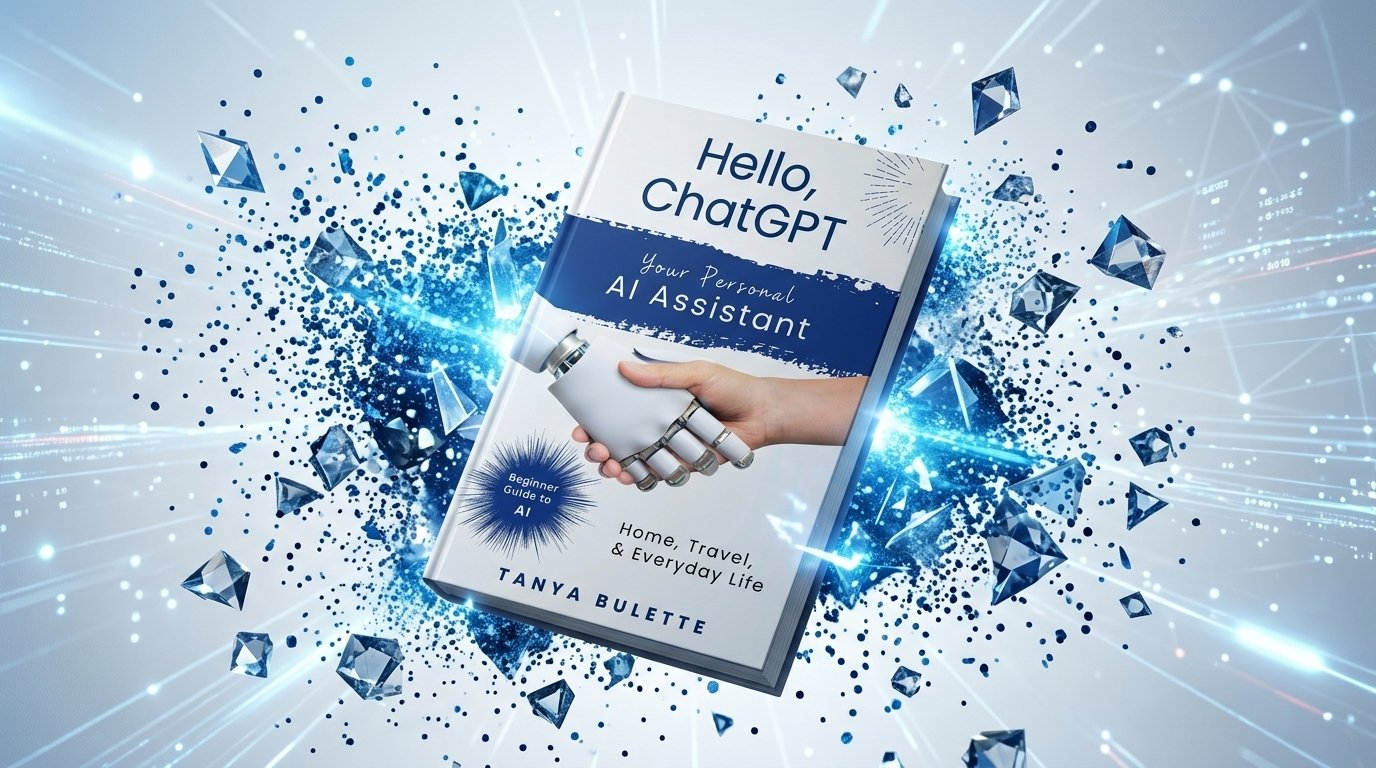
 ChatGPT is an AI assistant that can interact with users through natural language. It can help with tasks such as brainstorming ideas, organizing information, drafting text, creating lists, explaining concepts, planning activities, and improving written communication.